Guides
Longer how-tos for setups that need more than a click.
| Guide | For you if… |
|---|---|
| Company providers | Your organization runs its own AI gateway or proxy, and you want Parth to use it. For admins and for the people who use it |
| Local models | You want to run models on your own computer with Ollama or LM Studio: no API key, and nothing leaves your machine |
Where you set them up
Both start in the same place: the ⚙ button in the Parth panel’s header, then the Providers tab.
- Local models: the Ollama (local) and LM Studio (local) rows. Click › on a row to check its Base URL, then Connect.
- Company providers: the Custom Providers card. Click Add custom provider to fill in a form, or Import settings… to load a providers file.
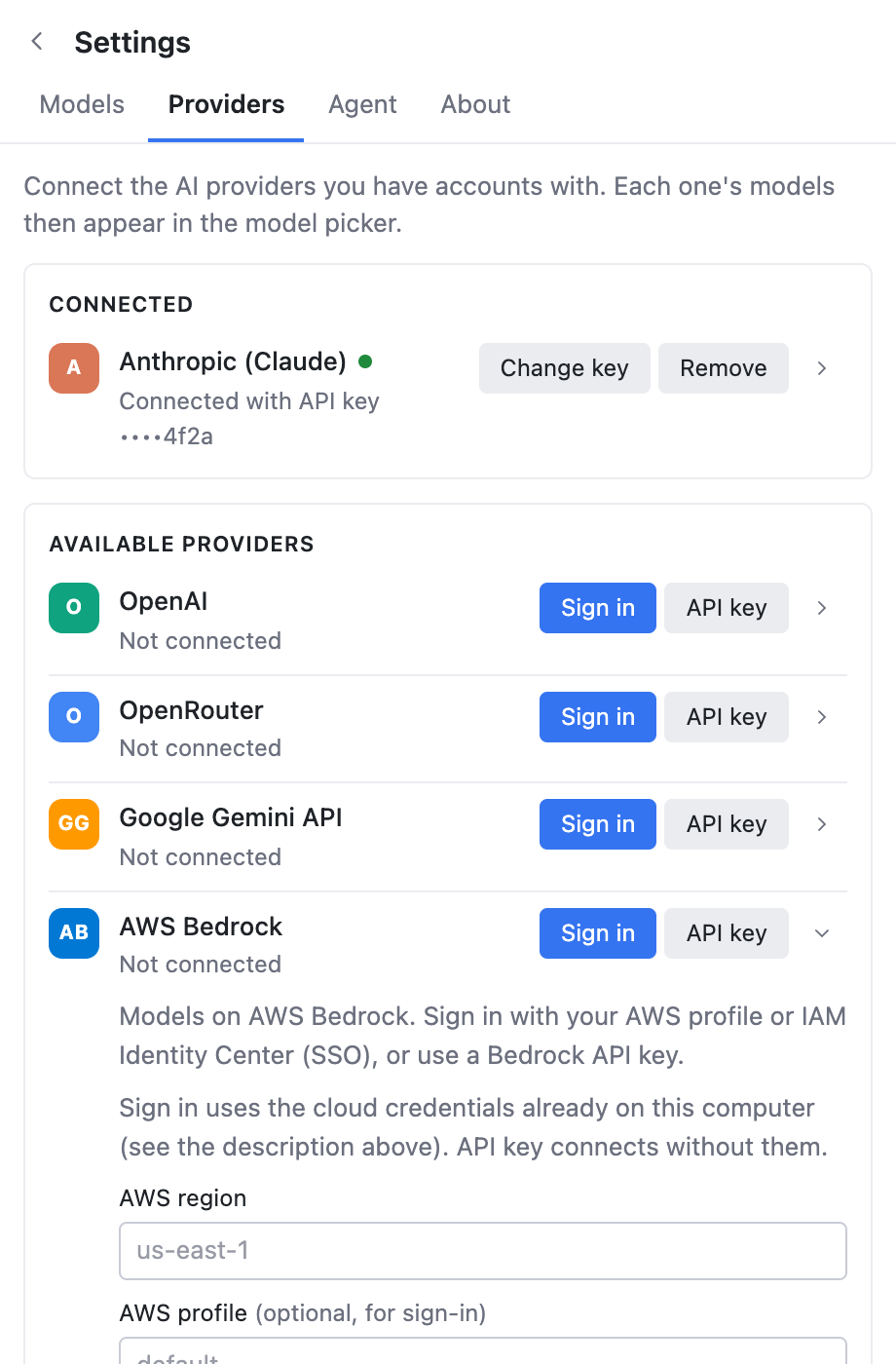
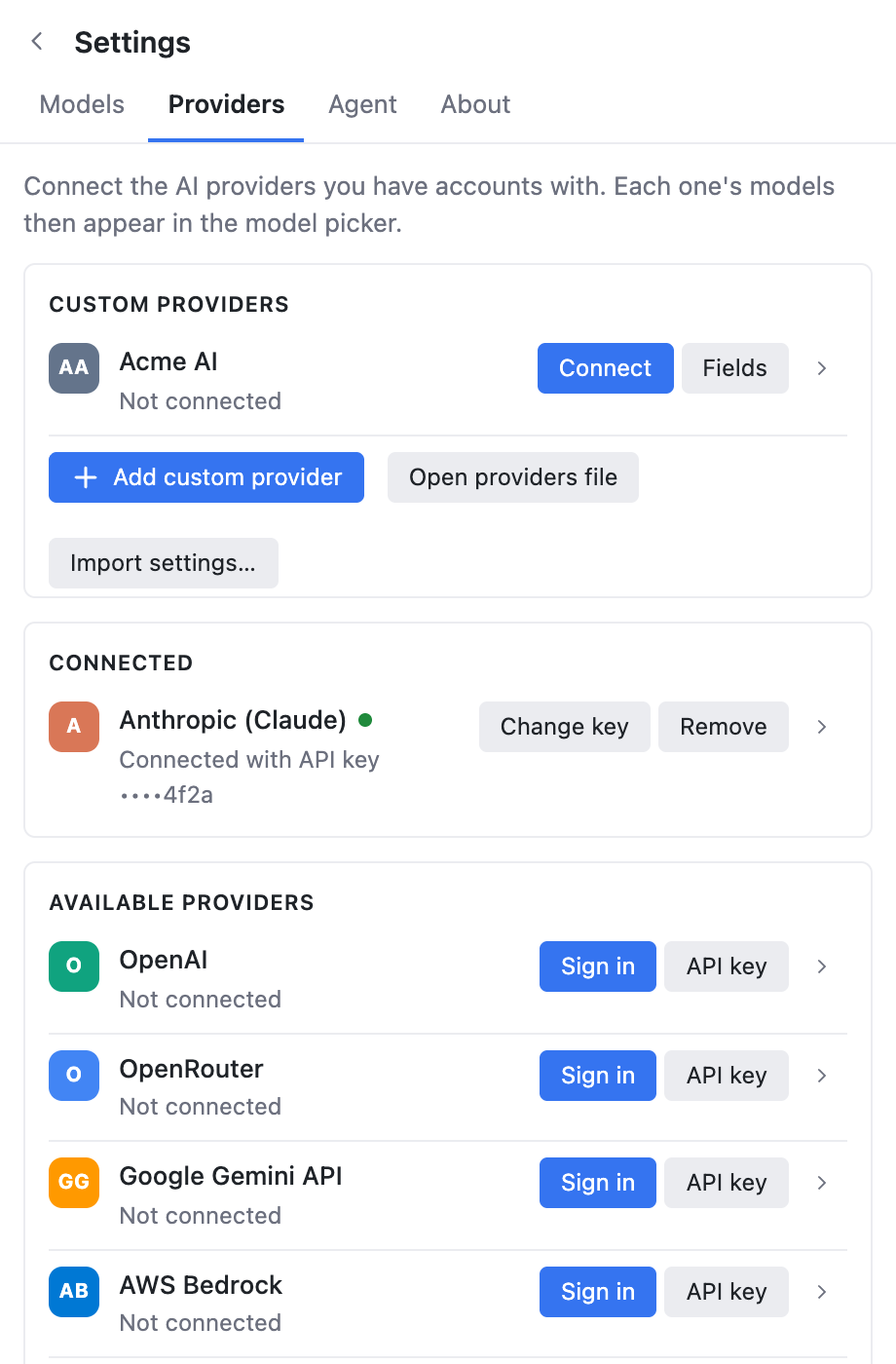
Each guide walks through it step by step, with the value to enter in every field.