Review and keep (or undo)
Everything the agent changes is listed for you to review. Nothing is final until you Keep it.
The files changed card
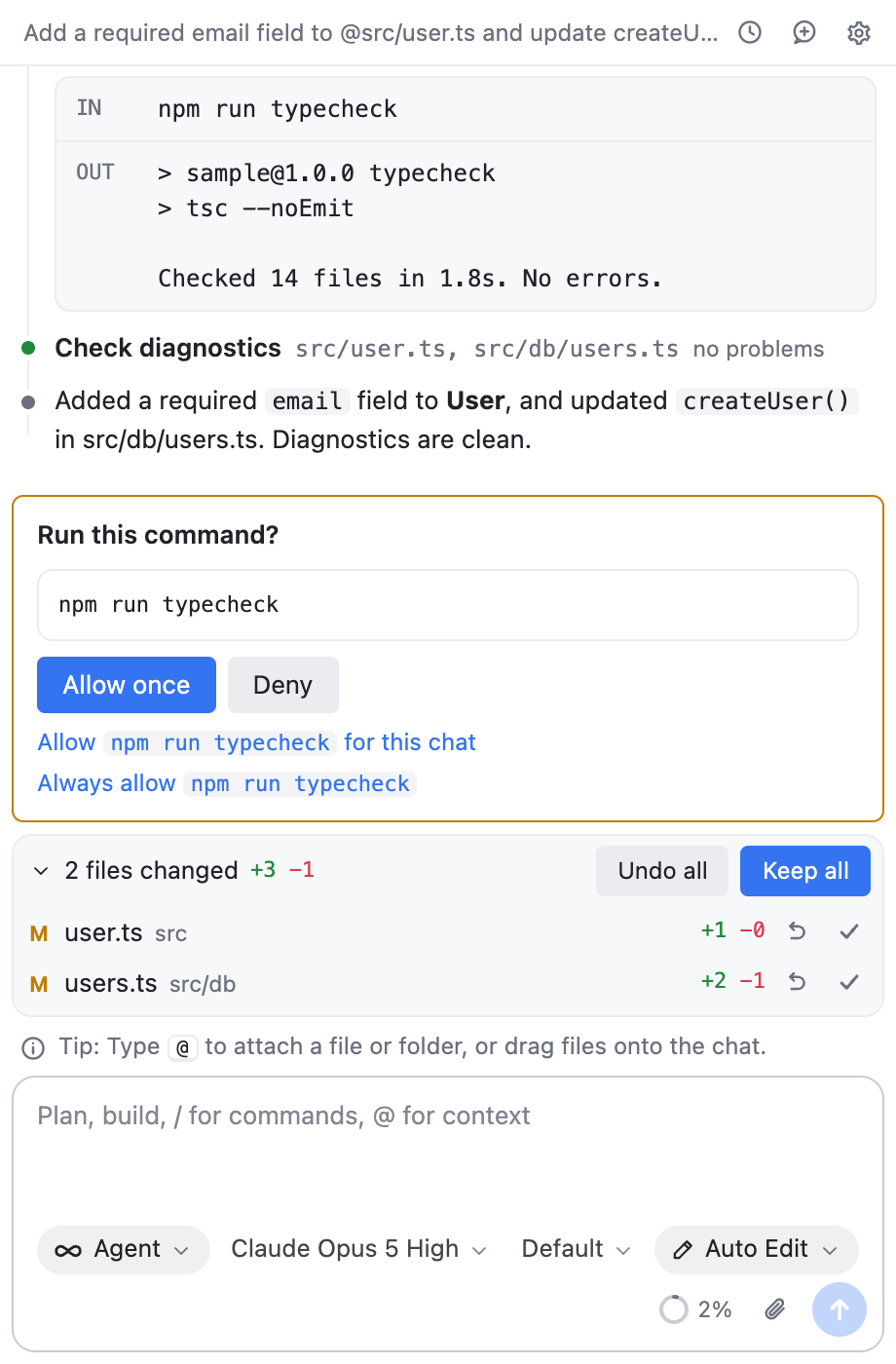
Edits to existing files change the open editors but are not saved yet. Files the agent creates or deletes change on disk right away, and Undo still reverses them. A “N files changed” card above the composer lists each file with +added −removed:
| Action | What it does |
|---|---|
| Click a file name | Opens a diff: original on the left, the agent’s version on the right |
| ✓ (Keep) | Saves that file |
| ↺ (Undo) | Puts the original back, including deleting a new file or restoring a deleted one |
| Keep all / Undo all | The same for every file |
You can also type /keep or /undo in the chat, or use the IDE’s commands:
- VS Code and forks: Command Palette → Parth: Keep All Changes / Parth: Undo All Changes.
- JetBrains IDEs: Tools → Parth → Keep All Agent Changes / Undo All Agent Changes.
Review in the editor (VS Code and forks)
In VS Code, the lines the agent added or changed are also highlighted in your files, with a coloured bar in the gutter and a mark in the scrollbar, until you Keep or Undo them.
- Above each changed block, Keep and Undo buttons (CodeLens) accept it or put the original lines back, one block at a time.
- Keeping a block doesn’t save the file yet: the file is saved when its last block is kept.
- A file with more than one block also gets Keep All / Undo All at the top.
- A new file only gets the file-level buttons, and Undo All deletes it.
- Once the last block is kept or undone, the file leaves the files changed card.
The block buttons need editor.codeLens (on by default). Turn the highlight off with parth.highlightChanges, and the buttons with parth.reviewInEditor.
Review in a JetBrains IDE
Click a file in the files changed card to open the IDE’s own diff viewer. Use ✓ and ↺ on the card, or Keep all / Undo all.